How to make a product catalogue on WhatsApp
The WhatsApp Business app lets you show products in a catalogue inside your profile. Here is how to set one up, and when your range may outgrow it.
See the stepsYou need the WhatsApp Business app, not standard WhatsApp.
How to create your catalogue
Menu names can differ slightly between app versions and phones.
Get the Business app
Install WhatsApp Business and set up your business profile.
Open Catalog
Go to Settings or Tools, then Business tools, then Catalog.
Add your products
Tap Add new item. Add photos, a name, a price and a description.
Share it in a chat
Open the catalogue and use its share option, or attach it in a chat.
Tips for a catalogue that sells
Small details make it easier for buyers to order.
Use clear photos
One clean photo first, on a plain background.
Put your code in the name or details
Buyers can then quote it when they order.
Group products into collections
Sort by department or new lines, so buyers find them quickly.
Keep it up to date
Remove or hide products as soon as they sell out.
When WhatsApp is not enough
It works well for a small, steady range. Wholesalers often run into these problems.
Adding products one at a time
Each item is added by hand, which is slow for a big range.
Changes after every delivery
New stock and sell-outs all need updating by hand.
Trade prices
Buyers on your account may need different details from the public.
Orders in the chat
Orders arrive as messages and still need typing up.
A website that updates itself from your stock list.
A WhatsApp catalogue has to be kept up to date one product at a time. That is hard when you have hundreds of lines and new stock every week.
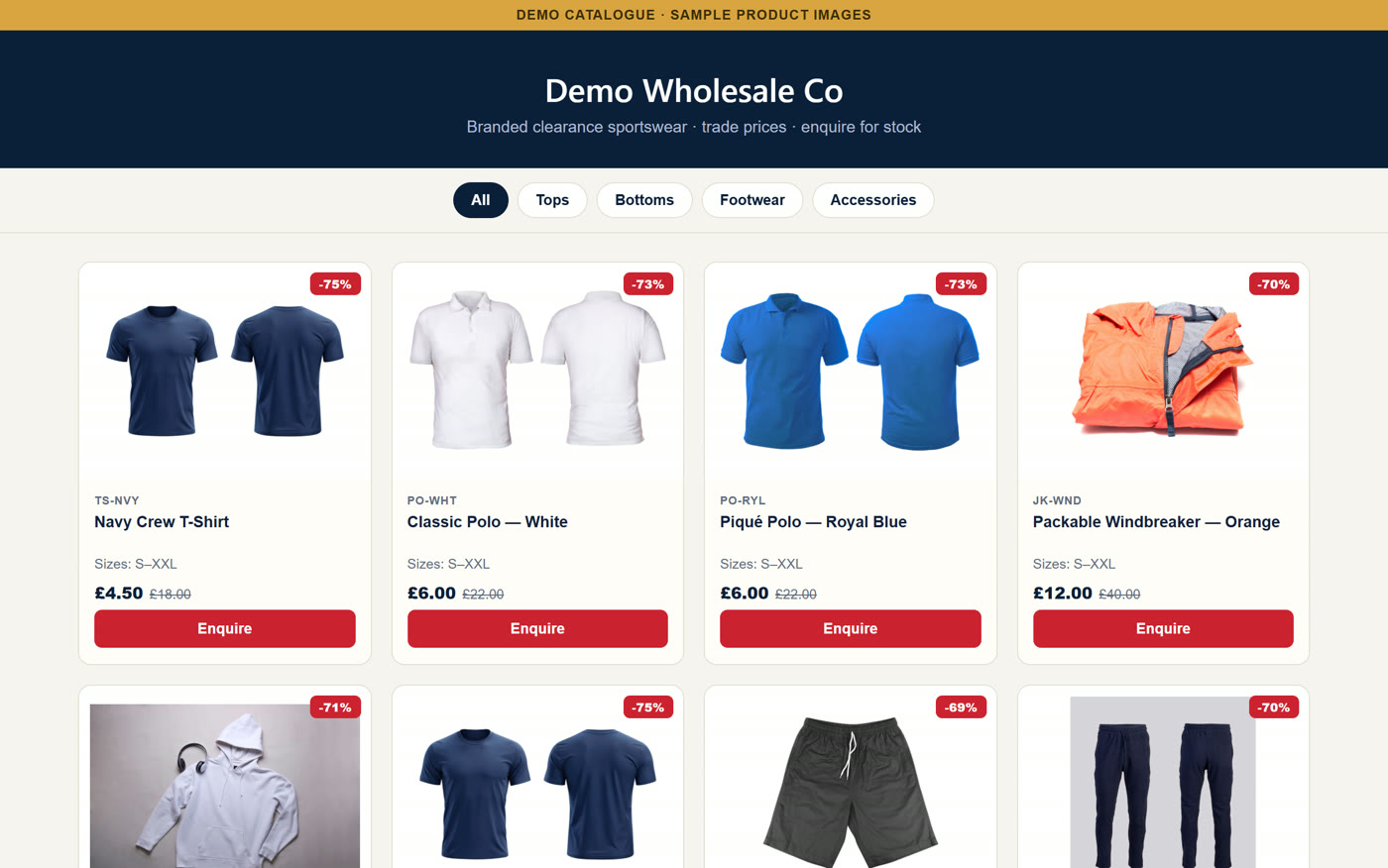
CatalogueGen builds your catalogue from your stock list. Send it to customers on WhatsApp, and they browse on their phone and tap to enquire. New stock in? Drop the sheet in.
No card needed. Done-for-you set-up. Our team builds your catalogue. Free set-up for a limited number of new customers each month. Worth £149. To start, send your stock list to info@cataloguegen.com.
Frequently asked questions
Can I make a catalogue on standard WhatsApp?
The catalogue feature is part of the WhatsApp Business app, so you need that app first.
Can I upload a spreadsheet to a WhatsApp catalogue?
In the app, products are added one at a time. With CatalogueGen, you upload your stock list and your catalogue is built from it.
Can I send a CatalogueGen catalogue on WhatsApp?
Yes. Your catalogue has its own web address, so you can send it in any WhatsApp chat.
Is there a limit on products?
WhatsApp sets its own limits and can change them, so check its help pages for the current number.