How to send a price list to your customers
Email, WhatsApp, print or online. Here is when each one works, what to write, and how to stop customers ordering from an old list.
Compare the optionsNeed a price list first? Use our free template below.
Which way should you send it?
Each way has a place. The right one depends on how often your prices and stock change.
| How you send it | Works well when | Watch out for |
|---|---|---|
| Excel by email | Your buyers want to sort, filter or copy your lines. | Anyone can change the file, and photos make it heavy. |
| PDF by email | You want one fixed, good-looking list that prints well. | It is out of date as soon as a price changes. |
| Your buyers are on their phones and reply quickly. | Old files stay in the chat, and a long PDF is hard to read on a phone. | |
| Printed | You see buyers in person, at a trade counter or a show. | Every change means printing and handing it out again. |
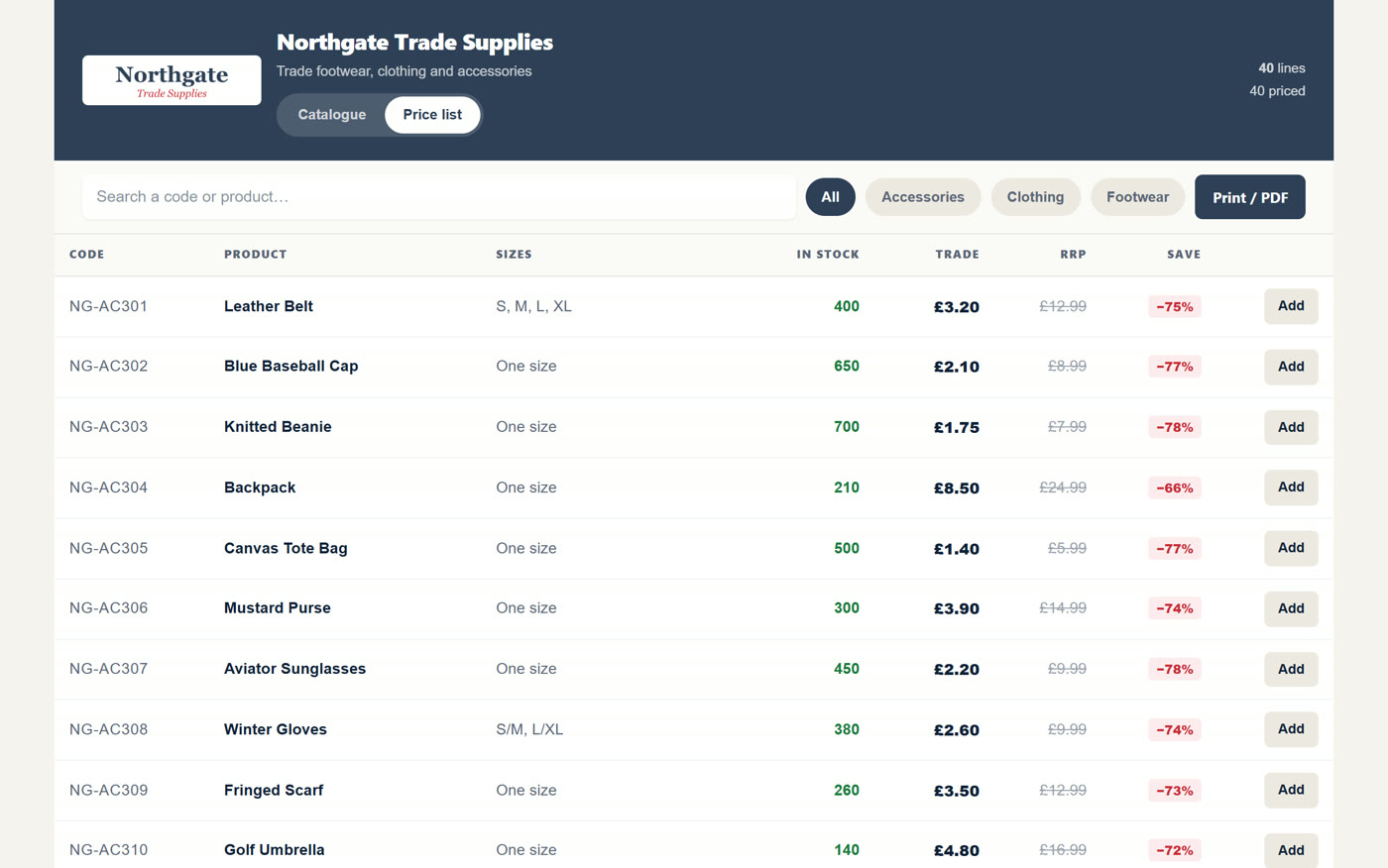
| Online catalogue | Your stock changes often and buyers order from their phones. | It takes some set-up the first time. |
How to send a price list that gets orders
Whichever way you send it, these habits help.
Date every version
Put the date in the file name and on the list, so everyone knows which is current.
Lead with what is new
Start your message with new lines and best sellers, not the whole range.
Make ordering easy
Say exactly how to order: reply, call or send your order form.
Send it when stock lands
Tell buyers while the new lines are still available.
Keep the file small
Compress the photos so the list opens quickly on a phone.
Follow up
A short call a day or two later gives you a second chance at the order.
What to write in your email
Keep it short: what has changed, what is attached and how to order.
Subject line
Name the month and the news, like “New lines and November price list”.
First line
Say what is new: “We have just had a delivery of winter coats.”
The list
Attach it, and say when the prices apply from.
How to order
End with one clear step, like “Reply with your codes and quantities.”
A website that updates itself from your stock list.
Each time you send a price list, the last one is out of date. Customers still order from it, and you are the one who sorts it out on the phone.
With CatalogueGen, your customers always see the current range on their phone. New stock in? Drop the sheet in. There is no new list to email round.
No card needed. Done-for-you set-up. Our team builds your catalogue. Free set-up for a limited number of new customers each month. Worth £149. To start, send your stock list to info@cataloguegen.com.
Frequently asked questions
Should I send a price list as Excel or PDF?
Send a PDF when you want it to look fixed and print well. Send Excel when buyers want to sort your lines or copy them into their own records.
Can I send a price list on WhatsApp?
Yes. You can send the file in a chat. For a long range, a catalogue they can browse is easier to read on a phone.
How often should I send a price list?
Send one when prices change or new stock arrives. Date every version so nobody orders from an old one.
How do I stop customers using an old price list?
Date every list and ask customers to quote the date. Or use an online catalogue, so there is only ever one current version.